

Documentation
ReleaseFlow documentation
Install it, connect your sources, review your first release, and deliver its notes to every audience.
Start here
Browse by topic
Introduction
ReleaseFlow turns merged pull requests and finished issues into release notes that a person has reviewed, written for each audience, and delivered where they read them.
Release notes are usually written by hand on release day: someone reads every merged pull request, guesses which ones matter, and writes one note that is too technical for users and too vague for operators. ReleaseFlow collects the changes as they land, classifies them, lets AI draft the summaries, and keeps a person in charge of what goes out.
It is meant for teams that ship to more than one kind of reader — the people who operate the software, the people who build on it, and the people who use it — and who want those notes written from the same reviewed facts instead of rewritten by hand three times.
How a change moves through it
- Collect. Merged pull requests from GitHub, merged merge requests from GitLab, and completed issues from Linear and Jira arrive by signed webhook or a scheduled poll. GitHub and GitLab can also import the last 90 days. See Sources.
- Classify. Explainable rules sort every change into a category. Optional AI (OpenAI, Anthropic, or DeepSeek) writes a neutral summary and suggests a category, but the rules always win, and breaking, security, unrecognized, or sensitive-file changes always wait for a person. See Changes and review.
- Review. A release moves from draft through a decision on every change to approval. Changes with too little context, or that look like earlier ones, are flagged with the evidence. See Releases.
- Write. One note per audience (operators, contributors, end users, or your own), from a Mustache template, in up to five languages translated by DeepL, with security changes in a section of their own and a footer that can link the comparison with the previous release. See Audiences.
- Publish. Published notes are frozen, then delivered by automation rules to GitHub Releases, Slack, email, Notion, Confluence, Microsoft Teams, Zendesk, or a public changelog with an RSS feed. See Automation.
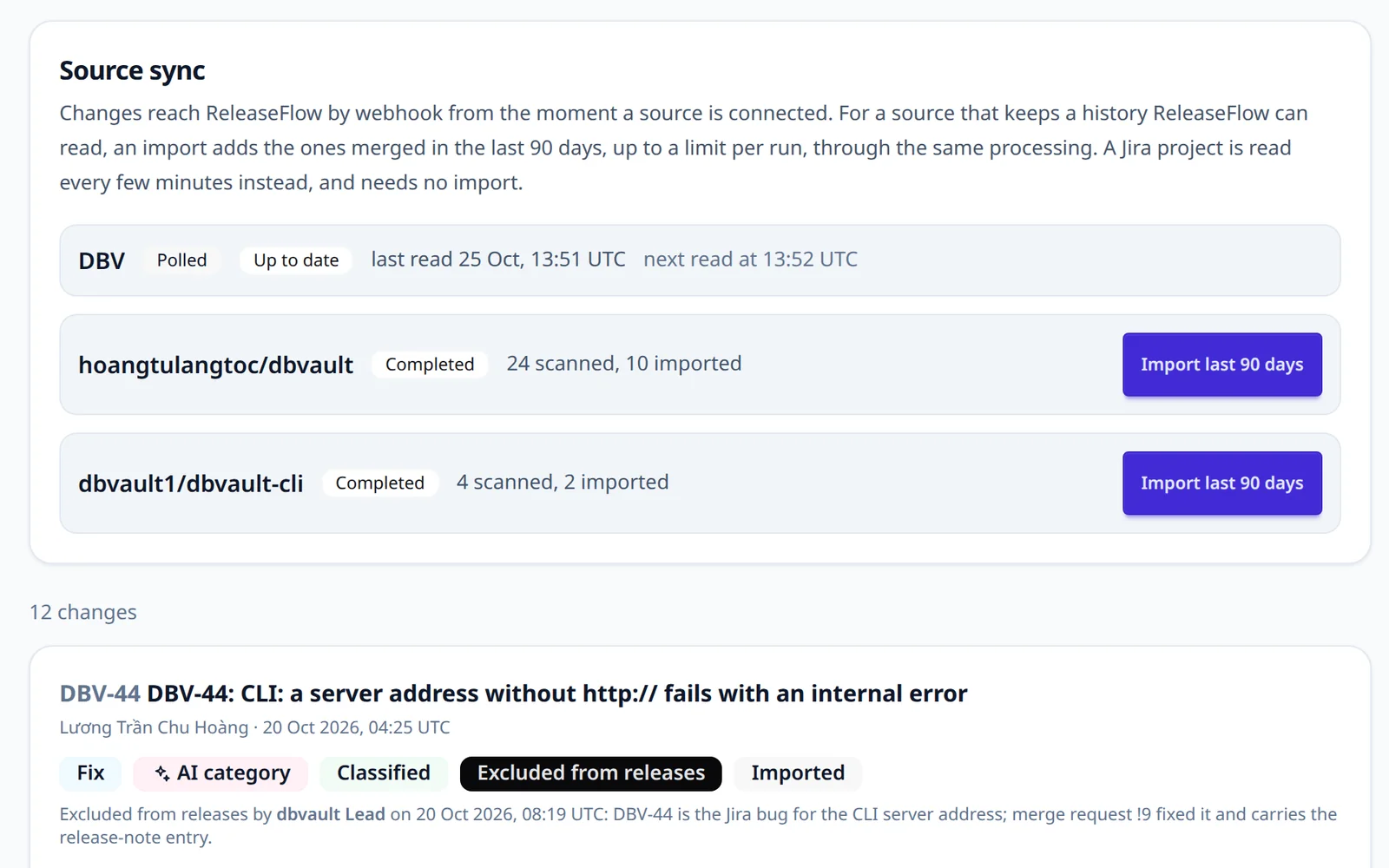
Each step is recorded, so a published note always shows who reviewed what went into it.
What you run
ReleaseFlow is self-hosted: one Java 21 / Spring Boot application and a PostgreSQL database, with an English or Vietnamese interface. Everything it reaches beyond that — AI, translation, email, and each delivery — is optional and switched on by configuration.
Tools such as release-drafter, git-cliff, and semantic-release generate one changelog from commits or pull request labels, inside your repository or CI. They are simpler to adopt, and if one technical changelog is all you need, use one of them. ReleaseFlow is for the step after that, and the price is a server and a database to run.
Where to go next
| If you want to | Read |
|---|---|
| Try it on your own machine | Getting started |
| Set up an Organization and invite people | Workspace |
| Connect GitHub, GitLab, Linear, or Jira | Sources |
| Understand how changes are classified and reviewed | Changes and review |
| Write, approve, and publish a release | Release notes |
| Deliver notes to other tools | Automation |
| Script it | REST API |
| Run and watch it | Configuration and Operations |
| See how it is built and why | Architecture and the decision records |