

Self-hosting
Run ReleaseFlow on infrastructure you already trust.
One Spring Boot application and one PostgreSQL database, started with Docker Compose. Everyone runs the same Apache-2.0 code: no hosted control plane, no enterprise edition, no open-core split.
- Docker Compose v2
- Java 21 · Spring Boot
- PostgreSQL 17
mkdir releaseflow && cd releaseflow
base=https://github.com/hoangluongtran0309/ReleaseFlow/releases/latest/download
curl -fsSL --remote-name-all "$base/compose.yaml" "$base/quickstart.sh" "$base/SHA256SUMS"
sha256sum --check --ignore-missing SHA256SUMS
bash quickstart.shhttp://localhost:8080/register to create the first administrator.Keep the generated .env file. It contains the database password and the key that encrypts stored credentials.
Before you start
What the host needs
A single machine you control, with a few standard tools. Nothing to compile and no repository to clone.
Docker Compose v2
Docker Engine or Docker Desktop, with a Compose recent enough to wait for a healthy service. It runs the application and PostgreSQL containers.
openssl
Generates the database password and the credential master key on the first run.
curl and sha256sum
Download the release files and check them against SHA256SUMS. On macOS, use shasum -a 256.
Linux or macOS
On Windows, run it inside WSL 2. The image is amd64 only, so Apple silicon runs it under emulation.
Network
The first start downloads the two images. After that it calls only the sources you connect and the providers you enable; sources that send webhooks must be able to reach it.
Under the hood
What the quickstart does
Five steps: you run the first two yourself, and quickstart.sh does the rest. Read it before you run it.
Download the release files
compose.yaml, quickstart.sh and SHA256SUMS come from the latest GitHub release.
Verify before running anything
sha256sum checks the downloaded files against the published checksums.
Check the host, then write .env
The script confirms Docker, Compose v2 and a reachable daemon, and installs nothing. On the first run it writes a new database password and credential master key into .env, readable only by you.
Start two containers
The ReleaseFlow application and PostgreSQL, and nothing else. It waits until the application is healthy.
Stay private by default
The application listens on 127.0.0.1 only, and the database port is not published at all.
Going to production
Put your own proxy in front, keep the rest private.
The quickstart is for one machine: it listens on loopback only, and TLS, backups and secret storage are a real deployment’s own to bring. To share ReleaseFlow with your team, serve it over HTTPS from a reverse proxy you already run, and set RELEASEFLOW_SESSION_COOKIE_SECURE=true and RELEASEFLOW_PUBLIC_BASE_URL to the public address.
Production checklist
Before your team relies on it
Operations
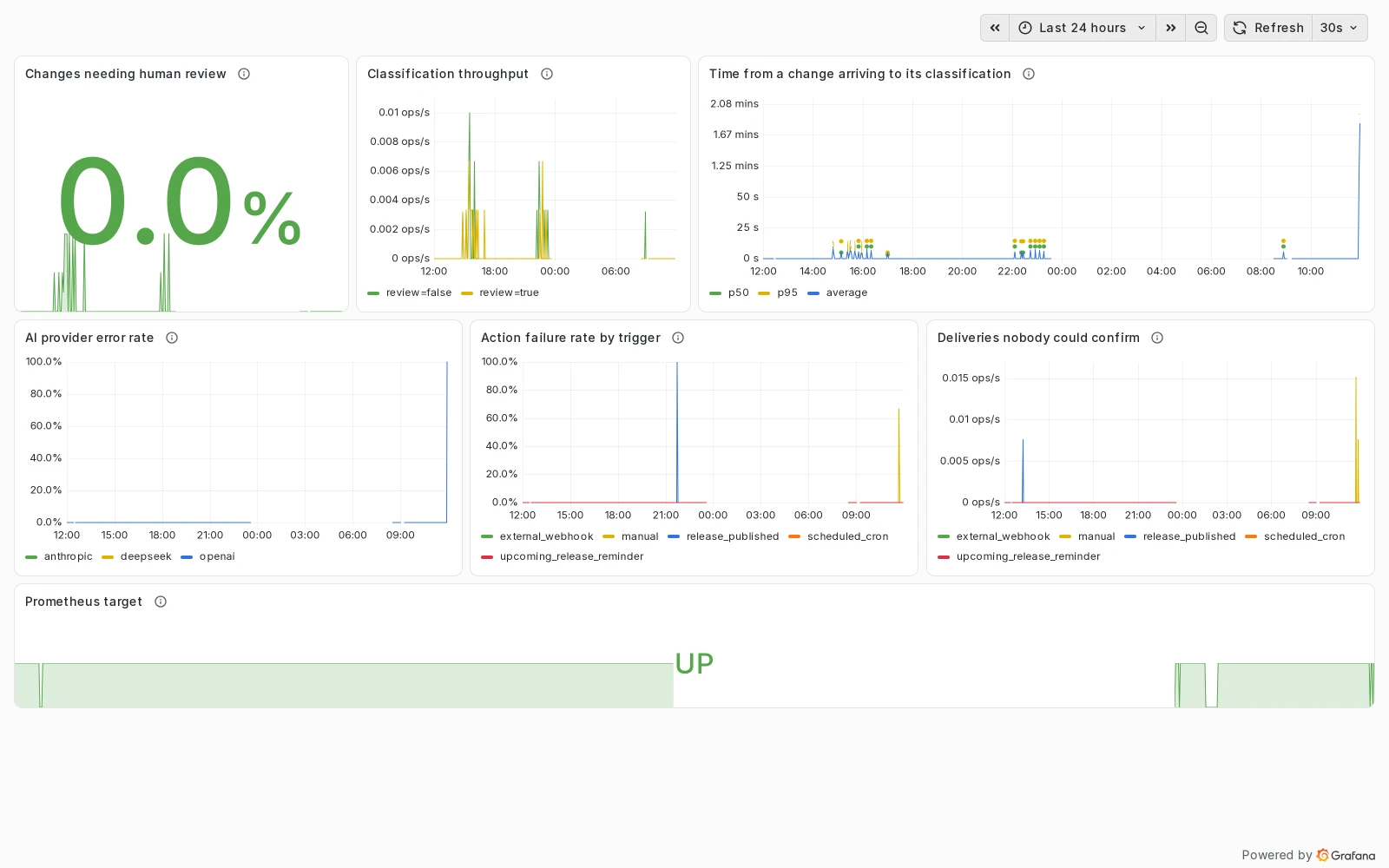
Run it day to day
FAQ
Self-hosting questions
Is there a hosted or paid edition?
No. Everyone runs the same Apache-2.0 code. There is no hosted control plane or enterprise edition to depend on.
Do I need an AI provider?
No. The rules classify changes without it. AI, translation, email and delivery integrations are optional, and each runs only when you configure it.
Which outbound connections does it make?
Only to the sources you connect and the providers you configure. You decide which external services it may reach.
How are tokens and webhook secrets stored?
Encrypted in PostgreSQL with the master key you supply. They are never read back into a page or an API response.
Where do I get help?
Ask in GitHub Discussions, report bugs in Issues, and send security problems through private reporting.
Stuck on a step?
Search the docs, or ask in Discussions with your release version and what you ran.